Find issues in review, not in the field.
Archiboost checks entire multidisciplinary drawing and specification packages for coordination, compliance and constructibility issues, so problems are fixed before they reach the field.
Corridor clear width below 44 in. minimum
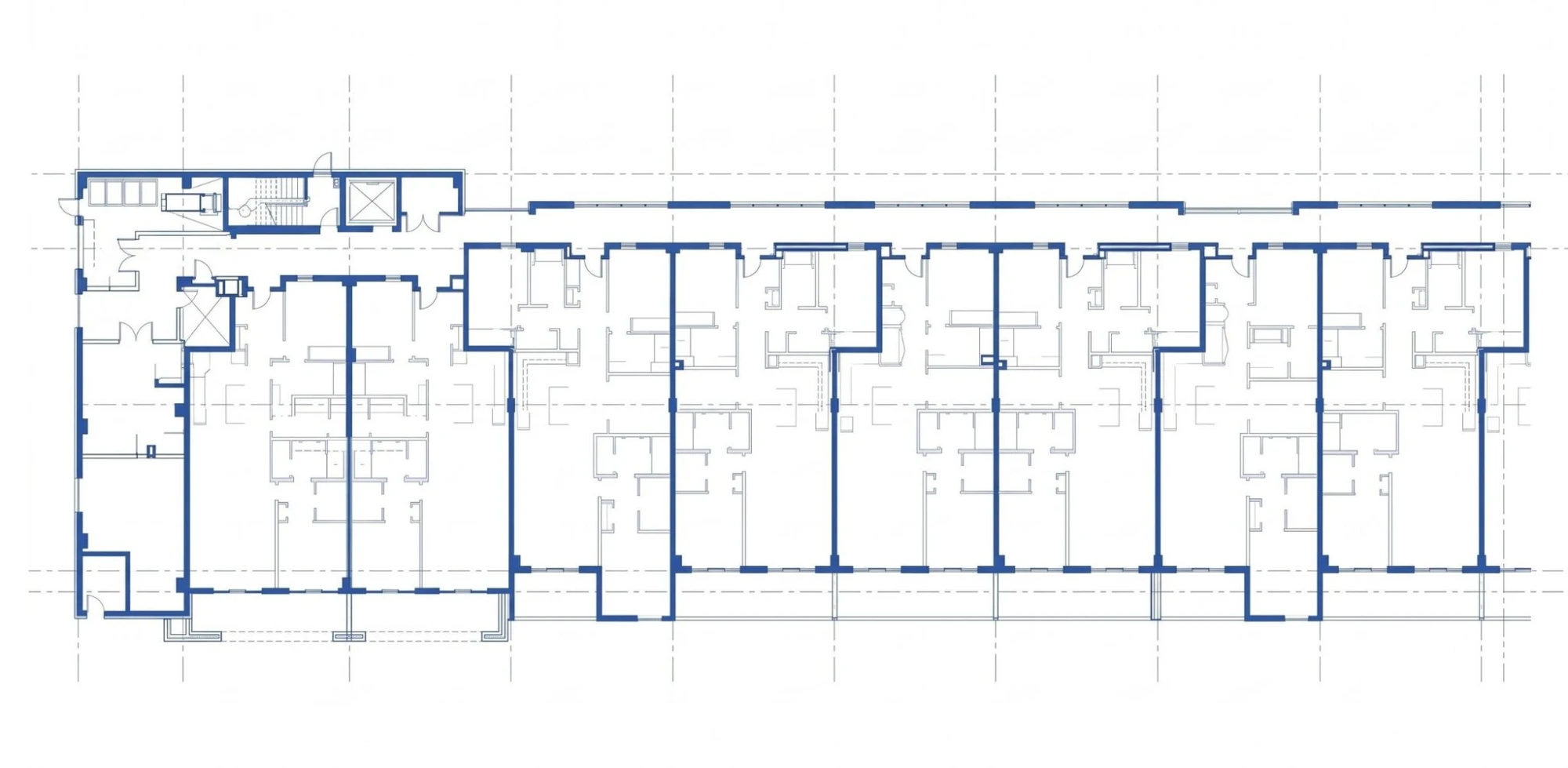
Corridor too narrow for its occupant load
Corridor is 36 in. clear and serves 60 occupants. CBC Table 1020.3 requires 44 in. at 50 or more.
Widen to 44 in. clear and check door swings against CBC 1005.7.1.
Corridor too narrow for its occupant load
Corridor is 36 in. clear and serves 60 occupants. CBC Table 1020.3 requires 44 in. at 50 or more.
Widen to 44 in. clear and check door swings against CBC 1005.7.1.
From drawing set to actionable review
Upload the package
Upload drawings, specifications or other project documents manually, or connect to where they live in Autodesk Forma or Procore.

100% DD Architectural Set.pdf
128 sheets · 214 MB · Revit

Structural Set.pdf
74 sheets · 96 MB · Procore
Project Specifications.docx
Supporting document
AI reviews everything
Coordination, compliance and constructibility problems are surfaced across the entire package in a single pass, no matter where they occur.
- Cross-sheet coordinationComplete
- Code and accessibilityComplete
- Specs and schedulesComplete
- Firm standardsRunning
Resolve findings in context
Issues are marked up directly on your documents with relevant citations, making resolution simpler and faster.
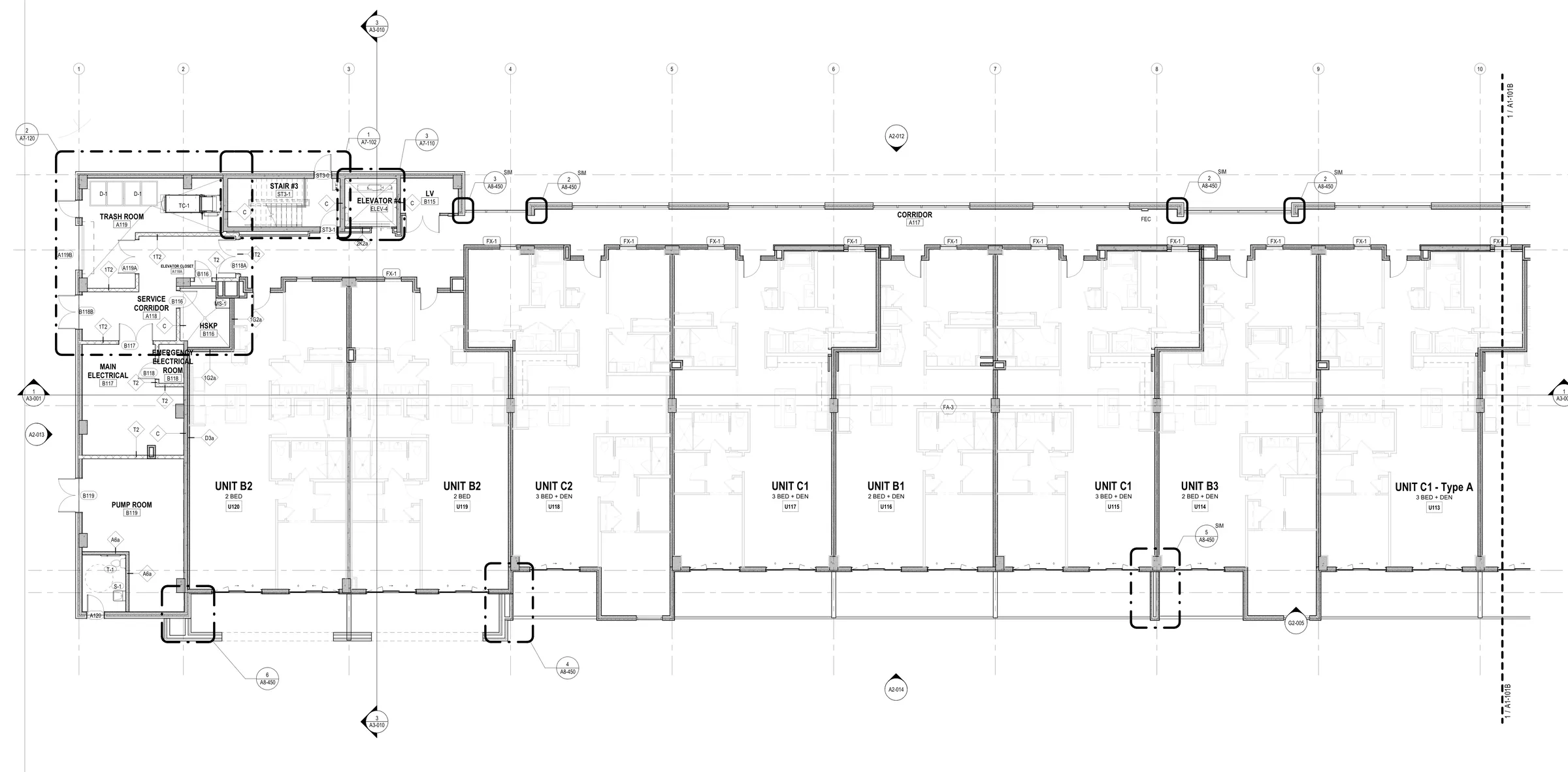
Door D16 vision lite sill above accessible max
ICC A117.1 §404.2.10 · lower lite to 3'-7" or less
Comprehensive review across contract document packages
Archiboost checks entire packages, not just individual pages, finding conflicts across drawings, schedules, specifications, codes and custom project standards, so problems are fixed before they become rework.
Drawing coordination
Coordinate minimum door head height with structural brace frame elevations.
Code compliance
Provide safety glass at all doors and adjacent lites within 24 inches and above 60 inches.
Firm standards
Reduce ADA ramp slopes to 7.5% to ensure built result is within construction tolerances.
Specifications & materials
Provide Electro Static Discharge (ESD) flooring in all IDF rooms to prevent damage to telecom equipment.
 Archiboost
Friday evening
Latest consultant drawings arrive
Revit model
Extract model data
Archiboost
Check for coordination issues
Monday morning
Coordination report ready
Issues linked to source drawings
A weekly coordination report, ready Monday.
Every Friday evening, Archiboost collects the latest consultant drawings and extracts your Revit model. It checks the full set for cross-discipline coordination issues, then sends your team a report Monday morning with findings linked to the source drawings.
What teams are finding with Archiboost
Drawing sheets reviewed
Compliance, coordination and constructibility issues identified
From findings to fixes.
We’ve evaluated multiple QA/QC platforms. Archiboost goes much deeper, catching issues we might otherwise discover only during inspections. Findings include specific code references, spec sections, and related details, so we can verify each issue and act on it. Other tools left us interpreting and rewriting the output before we could use it. Archiboost gets us straight to solving the problem.

Eric Sifuentes, CASp, AIA, NCARB
Principal, Vice President
Nacht & Lewis
As a principal at a small firm, I’m the last set of eyes on every set we issue, and that review time is often our bottleneck. Archiboost has been vital in easing that bottleneck. On a 230-sheet project, Archiboost returned 448 real, actionable redlines for our team to address. I was able to assign individual tickets to our team to work through them, spending less of my own time redlining drawings. Archiboost also flagged numerous coordination issues in our MEP drawings that would likely have caused RFIs or field corrections. Our team has been very impressed with the accuracy of code-compliance items, and the ‘suggested recommendations’ have helped expedite our decisions.

Jesse Smith, RA, AIA, NCARB
Principal/Architect
JLS Architects
Archiboost stood out in our comparison of AI-powered QA/QC tools. It picked up more genuine issues, with code citations down to the paragraph and clear, concise recommendations. We spent less time making sense of the findings and more time resolving them. For us, it was the clear winner.

Jerry Mortier, NCARB, AIA
Vice President of Architecture
The Redmond Company
What to expect from a review
How does this make review easier?
The review brings possible issues and their source sheets into one place. Your team can verify findings, prioritize them, and move confirmed changes into its markup or Revit workflow.
How is it different from a general chatbot?
It is built for drawing sets and specifications: it compares information across sheets, points to the source of a finding, and supports a review workflow rather than a standalone chat answer.
Do we still need a human reviewer?
Yes. Archiboost supports QA/QC; it does not replace the architect of record. Architects and project teams assess the findings and remain responsible for the professional review and final decisions.
Can it handle code exceptions or variance requests?
It can surface code concerns and citations for your team to investigate. Confirm the applicable jurisdiction, interpretation, exceptions, and any variance strategy with your code specialist or authority having jurisdiction.